
Configuration Manager
The AMT Configuration Manager facilitates tasks on the system database that due to security reasons should not be done in a web application like the Control Center.
Examples of such tasks are exporting and importing all the settings of an AMT environment, which are located in the System database, to an XML file.
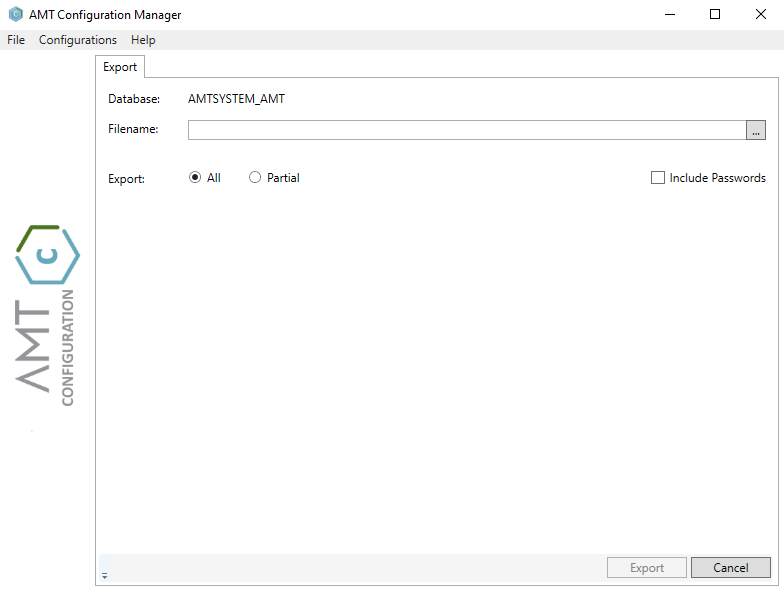
The AMT Configuration Manager program (AmtConfigurationManager.exe) is located in the AmtTools\ConfigurationManager folder of the AMT environment.
Menu
The menu options of the AMT Configuration Manager are:
File
Exit:
This option closes the AMT Configuration Manager.
Configurations
Import:
This option opens the Import tab from which the system settings of the AMT environment can be imported into the system database.
Export:
This option opens the Export tab from which the system settings of the AMT environment can be exported to the system database.
Help
About...:
This option will open an about box showing information about the user and the AMT Configuration Manager program itself e.g. the version number.