AMT Help Files

Generating the Application
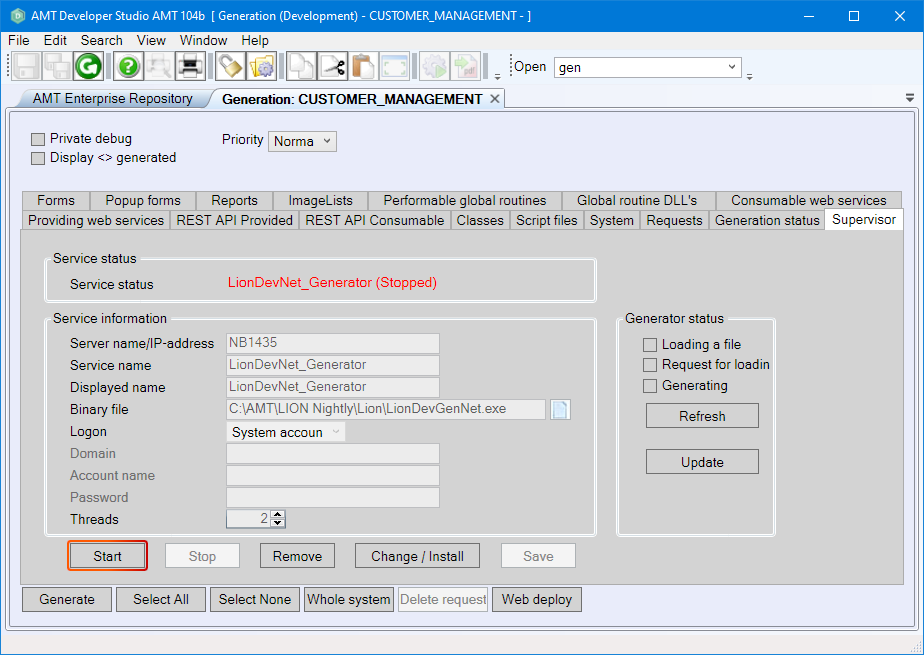
It is necessary for the Generator to be running before generating applications is possible.
- Start the AMT Developer Studio.
- Navigate in the menu bar to View → Generate Window (F6) and select the Supervisor tab.
- Select the Start button if the Generator is not already running.
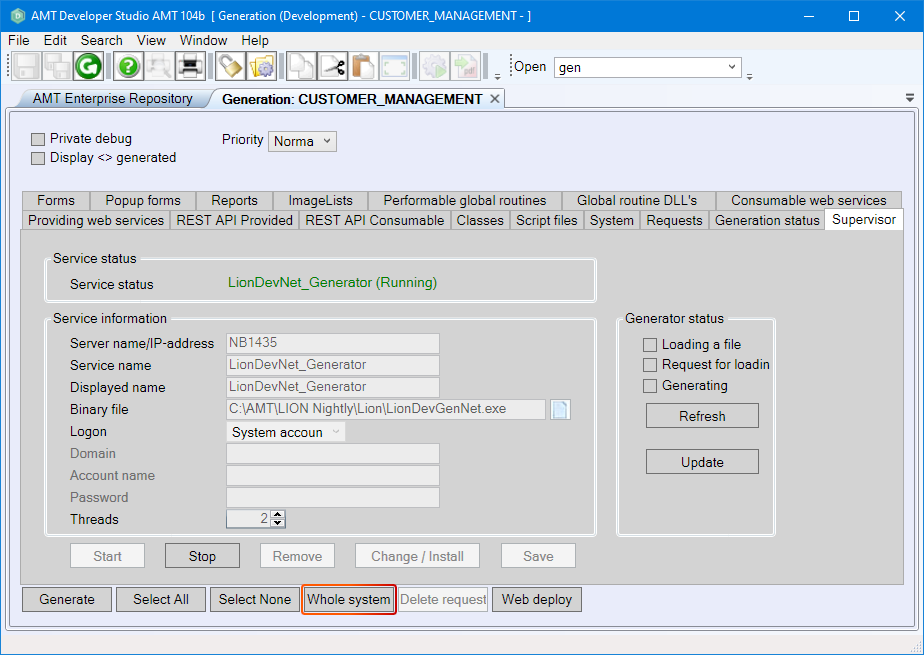
- Select the Whole system button to do a full system generation (this can also be
done from any other
tab in the Generate window). This is necessary to generate
applications and their contents. The newly generated application directory can then be found in
the following directory: ..\<AMT Environment>\Apps\.
- Select Yes to start the process of generating applications. The generation progress can be
viewed in the Generation status tab, including any warning and error messages.
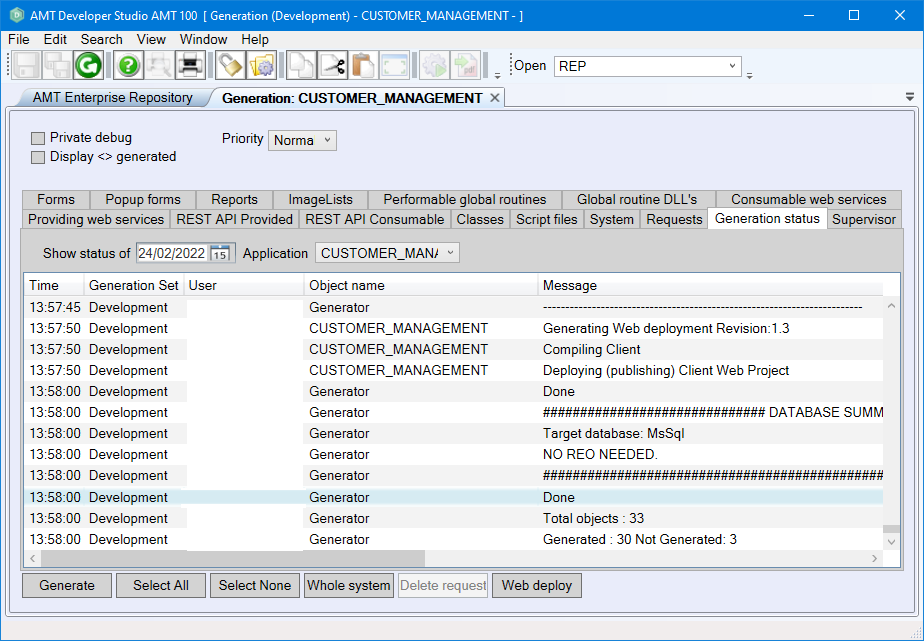
The log will show the message "Done" after generation is complete (regardless of containing errors). The application is fully generated if no errors occurred and it is ready to be configured to use on the system or to be deployed to another server.