
Export
The Export option on the Configuration menu opens the following tab.
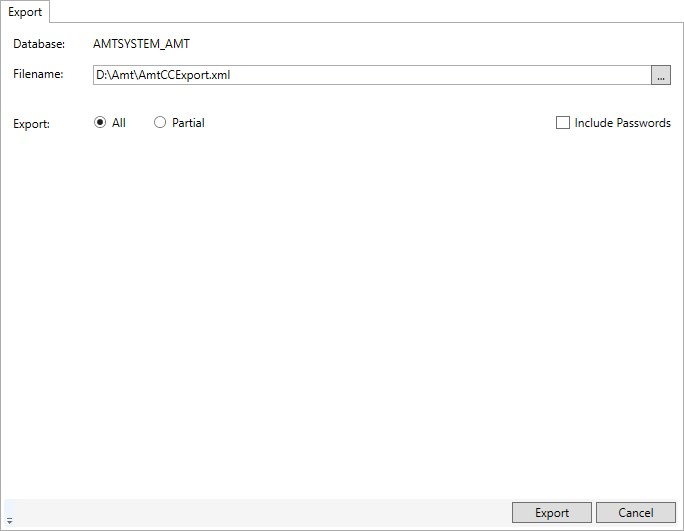
In the 'Export' tab it is possible to export all settings from tables in the system database into an XML file. Either the complete database or selectable parts of it can be exported. These settings can then be read into the system tables of another (empty) environment, see Import.
Filename
In the FileName field, an XML file can be selected for export by clicking the '...' button.
Include password information
If this option is enabled, encrypted password information will be included in the XML file. When importing XML files without password information, a placeholder will be used as a password in the imported environment. See: Import.
Export All
When Export All is selected and the Export button is clicked, the complete settings in the system tables will be exported into the XML file specified in the filename field.
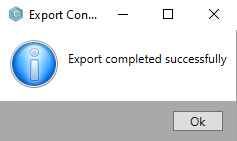
Upon success, a dialog is shown.
Export Partial
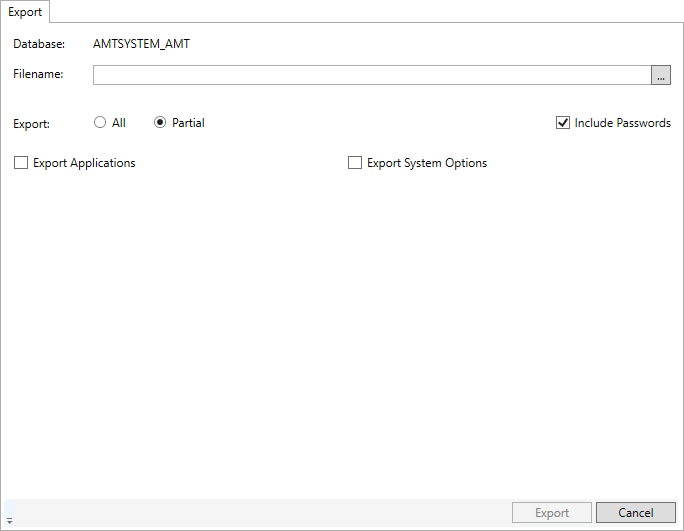
When Partial Export is selected, you can export application options and/or system options. Either can be selected separately or both at the same time. Parts of the settings can be selected as explained below.
When the Export button is clicked, the selected settings will be exported into the XML file specified in the filename field.
Export Application
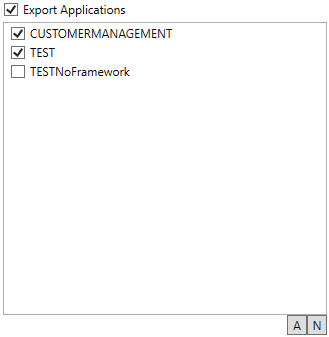
When Export Applications is selected, a window is shown where you can select all applications at once, no applications, or individual applications to export their settings.
Export System options
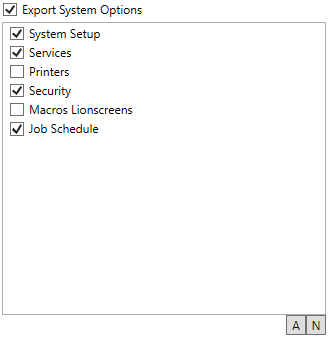
When 'Export System options' is selected, a window is shown to either select All system options to export all settings at once with the 'A' button, None of the system options with the 'N' button, or to select the system options to export the settings of individually by checking them.