
Import
The Import option on the Configuration menu opens the following tab.
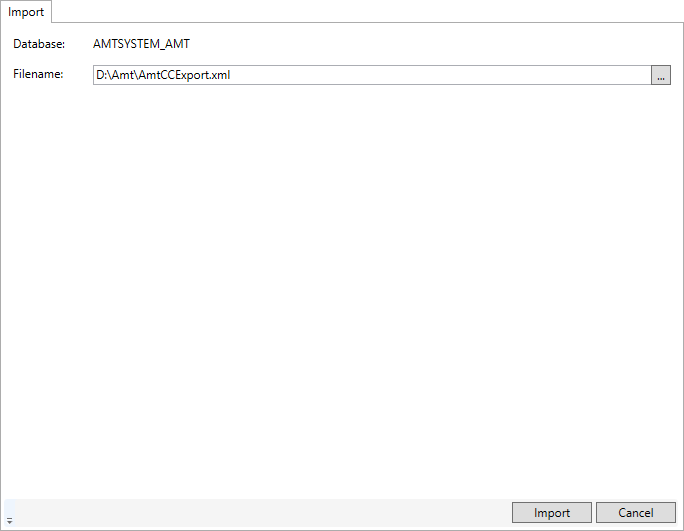
In the Import tab, an XML file containing AMT system settings can be selected by clicking the '...' button. The selected XML file is imported into the system database of the AMT environment after clicking the Import button.
Upon success, a dialog is shown.
After the import, any opened Control Center sessions need to be restarted. That can be done by logging off/closing all open Control Center websites and then opening the Control Center website again.
Passwords
Depending on whether the Include password information option was used while creating the XML (see Export), password information will be added or changed with either encrypted password hashes, or with a default password placeholder that must be changed manually after the import.