AMT Help Files

Auditing
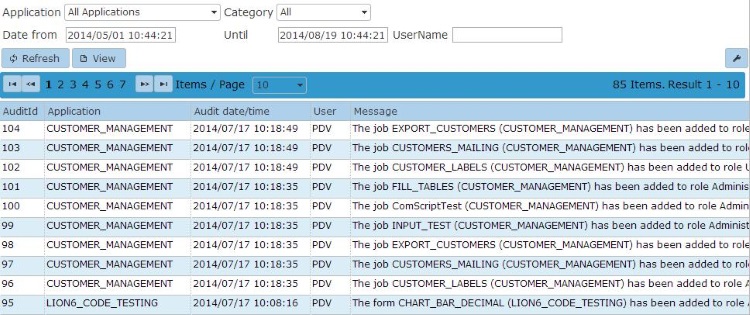
The Auditing option shows a list of audit messages for changes to Security Configuration settings in your environment. You can filter by application, category, user, and the date and time of the security change. You can configure which categories generate audit messages on the Audit configuration help page. An example list is shown below.
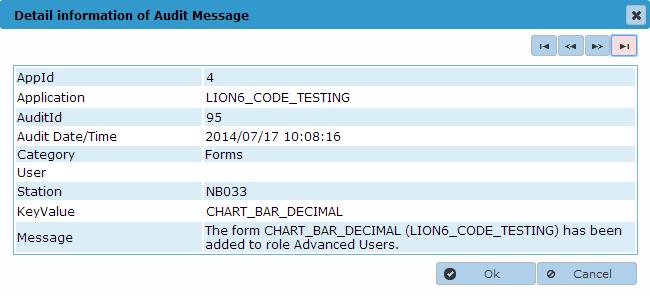
When you select an item in the list, click View to see that item's details, as shown in the following example.