AMT Help Files

Options
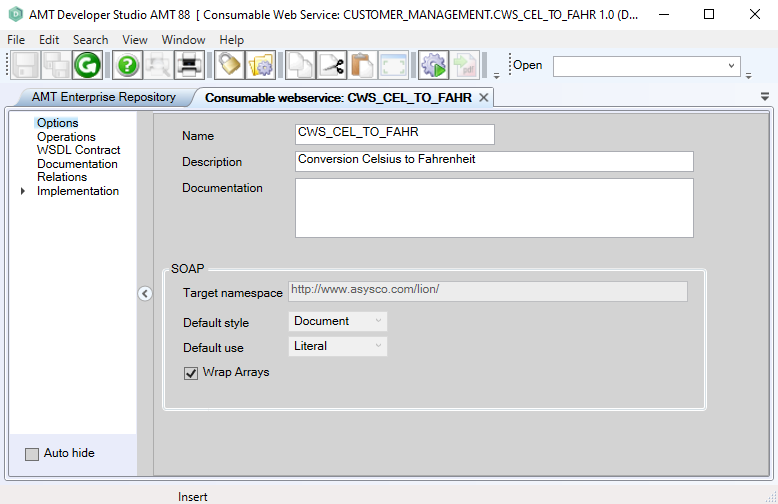
To open a Consumable Web Service, double-click it, right-click it and choose Options, or select it and press Enter. The following screen appears:
|
Option |
Description |
|---|---|
|
Name |
The name of the web service. |
|
Description |
Description of the web service. |
|
Documentation |
Documentation for the web service. |
|
Target namespace |
The target namespace as set by the provided web service. |
SOAP default style |
The SOAP style of the provided web service. |
SOAP default use |
The SOAP binding use of the provided web service. |
| Wrap Arrays | By default, AMT expects array elements in web services to be wrapped inside a parent array element. However, in certain, often Java-based, web services the array elements are unwrapped. By disabling this setting, AMT can send and receive data to these web services correctly. |
| The SOAP settings 'Target namespace,' 'Default style,' 'Default use,' 'Usage Soap Header,' 'Soapheader Name,' and 'Class name' can be changed only in a Provided Web Service. In a Consumable Web Service, the values of these settings are derived from the imported WSDL contract. |