
Available Forms
This tab shows all forms in the AMT environment. As with Available Jobs, right-clicking an item in the list lets you view form details, edit form details, remove a form from the list, or read all forms from the system. When you edit a form, only its description can be changed. You can filter by application name. In the Formname field, you can enter a case-insensitive search string to show only forms whose names contain that string.
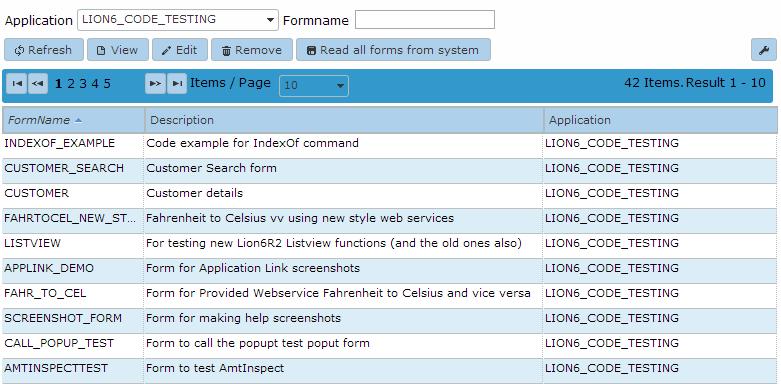
When no forms are available, you can read all forms in the environment into the list by clicking 'Read all forms from system', as described on the Available Jobs.
| Warning |
|---|
| Unlike previous behavior, the 'Read all forms from system' button does not remove forms if the folder specified in base paths, cannot be found. |
When an item in the list is selected, available actions are View form details, Edit form, Remove form, and Read all forms from system. When Read all forms from system is selected, all forms in the selected applications are read and added to the list.
If Edit form is selected, the following edit window opens:
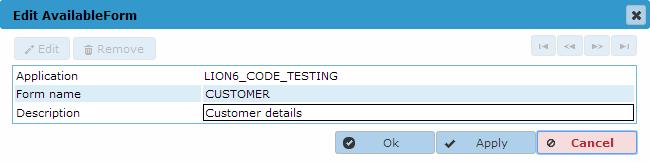
Only the description of the form can be changed.