AMT Help Files

Code Wizard
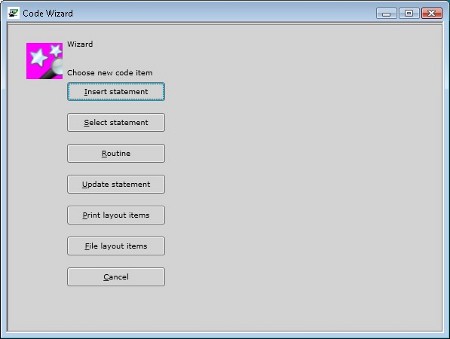
To start the code wizard, click in the code editor at the position where the code should be inserted. Then either right-click and select 'Code Wizard' from the shortcut menu, or use the shortcut keys 'Ctrl+W'. The following code items can be added with the code wizard:
Insert Statement
Select Statement
New Routine
Update Statement
Fill/Read Print Layout Items
Fill/Read File Layout Items
Select Statement
New Routine
Update Statement
Fill/Read Print Layout Items
Fill/Read File Layout Items