AMT Help Files

Managing Provided PortTypes
The PortType Pane
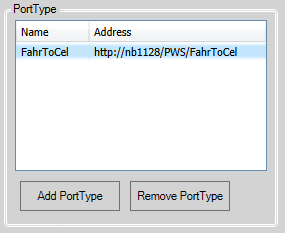
The PortType pane shows a list of the defined PortTypes for the Web Service. New PortTypes can be added by clicking the Add PortType button and PortTypes can be removed by selecting them and then clicking the Remove PortType button.
Adding a new PortType
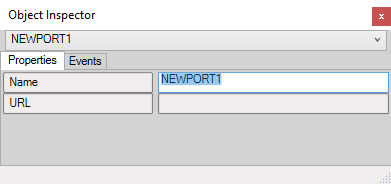
When the Add PortType button is clicked a new PortType will be added to the available PortTypes list and the Object Inspector will open to set the Properties of the new PortType as shown.
Properties:
- Name: The name to use for the new PortType
- URL: No longer needed, this field was used to set the endpoints in the WSDL contract in previous AMT versions.
Modifying an existing PortType
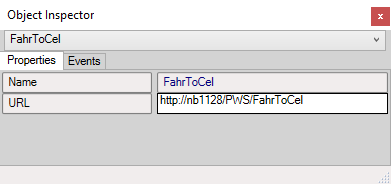
To change the properties of an existing PortType just select the PortType to change and open an Object Inspector and then apply the wanted changes to the properties.